How to avoid double bookings when you list on Booking.com and Agoda at the same time
Hotels and other rental properties have, at least once, experienced the horror of double-booking the same room. Here is why it happens and what you can do about it.
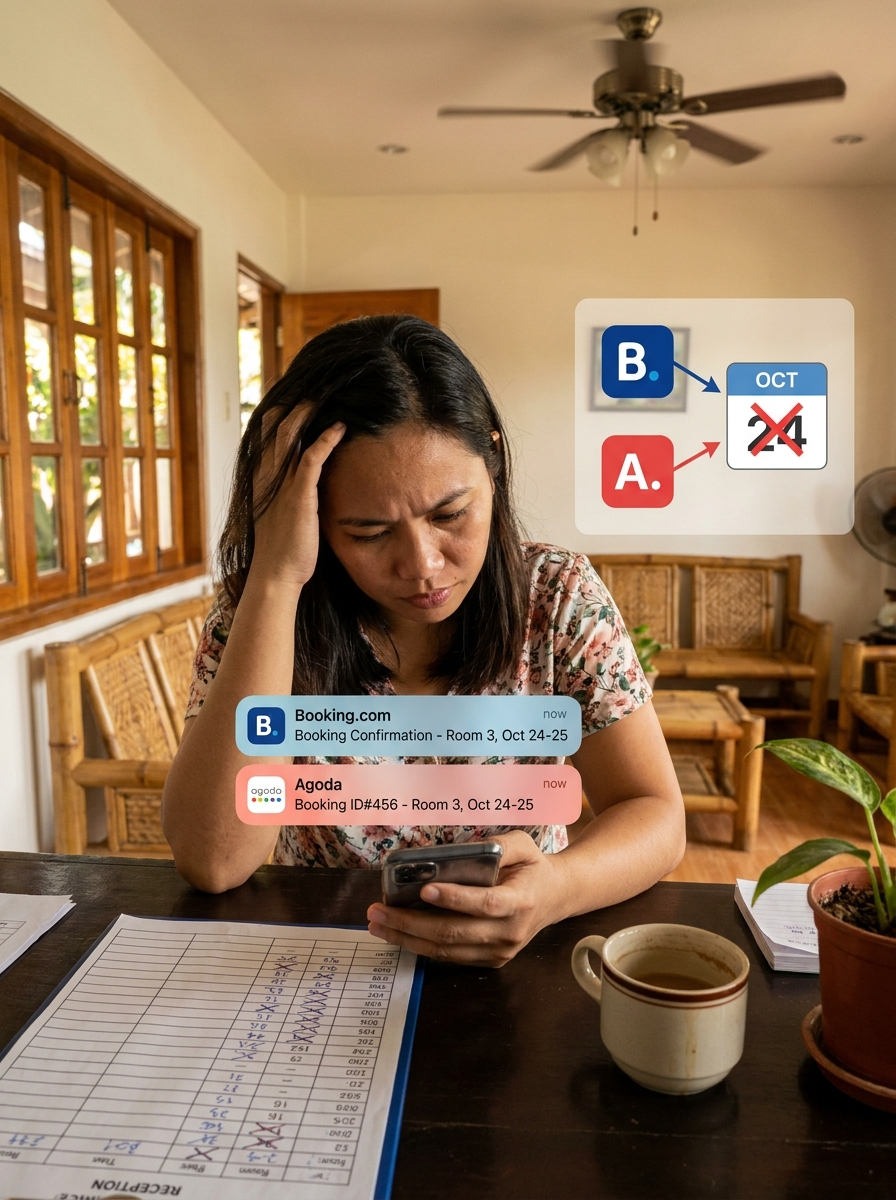
Hotels and other rental properties have, at least once, experienced the horror of double-booking the same room. A guest arrives and says they booked online, but you already know all rooms are occupied. In the end, you bear the guest's frustration and loss of trust. So how to avoid double booking before it ever happens?
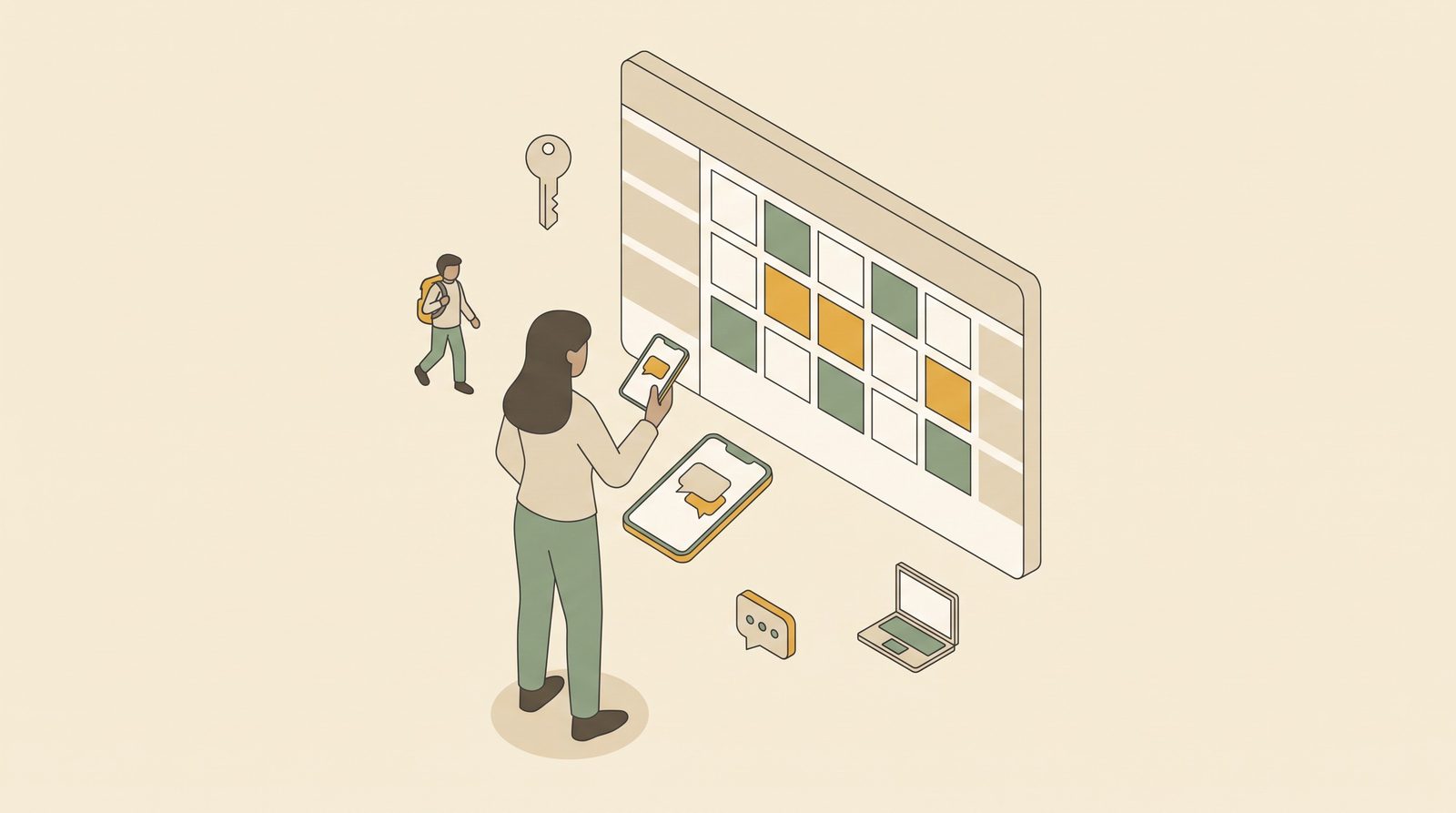
First, let's examine why it happens. Every Online Travel Agency (OTA) has its own calendar. The problem begins when room availability is not properly synced across all OTAs. Whether you're listed on Booking.com, Agoda, or Airbnb, you would need to manually update every calendar after every reservation.
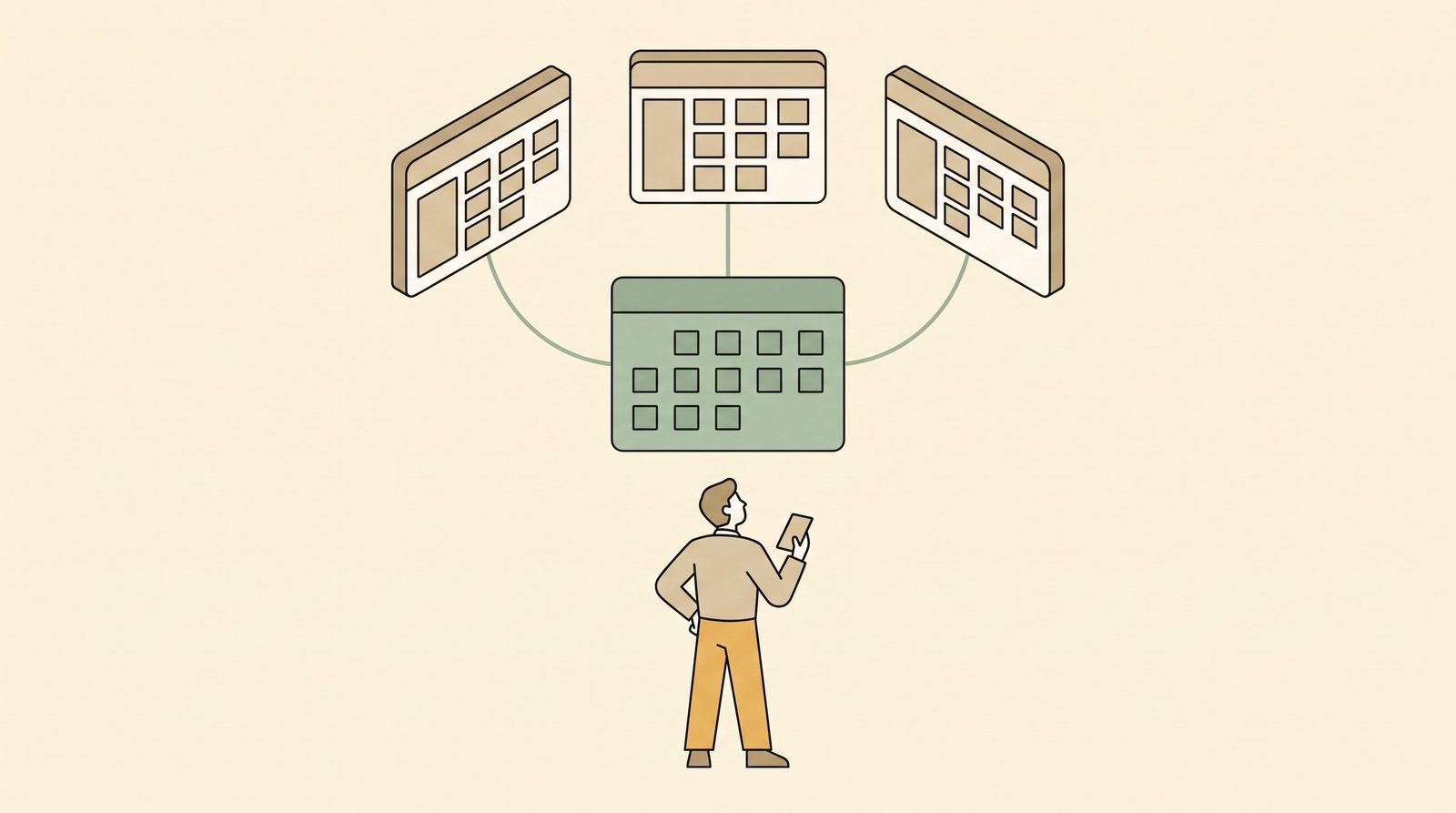
Paano ayusin ang double booking? The short answer is OTA sync. A channel manager is software that connects all your OTAs so room availability stays synchronized. When one calendar receives a booking, the system automatically updates all other connected calendars.
Unfortunately, most channel managers are expensive and built for large hotels. Small hotels, guesthouses, and pension houses often can't justify the cost. So many owners use a booking tracker instead, a small hotel calendar app that at least keeps a central record of who's checked in and who's expected.
In the Philippines, many small independent properties list on multiple OTAs without any OTA sync in place for their small property. Even a basic booking tracker for your guesthouse goes a long way. It's not a perfect solution, but it's the first line of defense against a very avoidable problem.
To reduce the risk of human error, some form of automation is important. Still, awareness of how double bookings happen is the first step toward preventing them.
Free to start
Run your hotel without the headaches.
Try the live demo in 30 seconds. No signup needed.