How to Put Your Resort on Google Maps (Step by Step)
Put your resort on Google Maps: claim or create your listing, get verified, add photos and a booking link, and collect honest reviews.
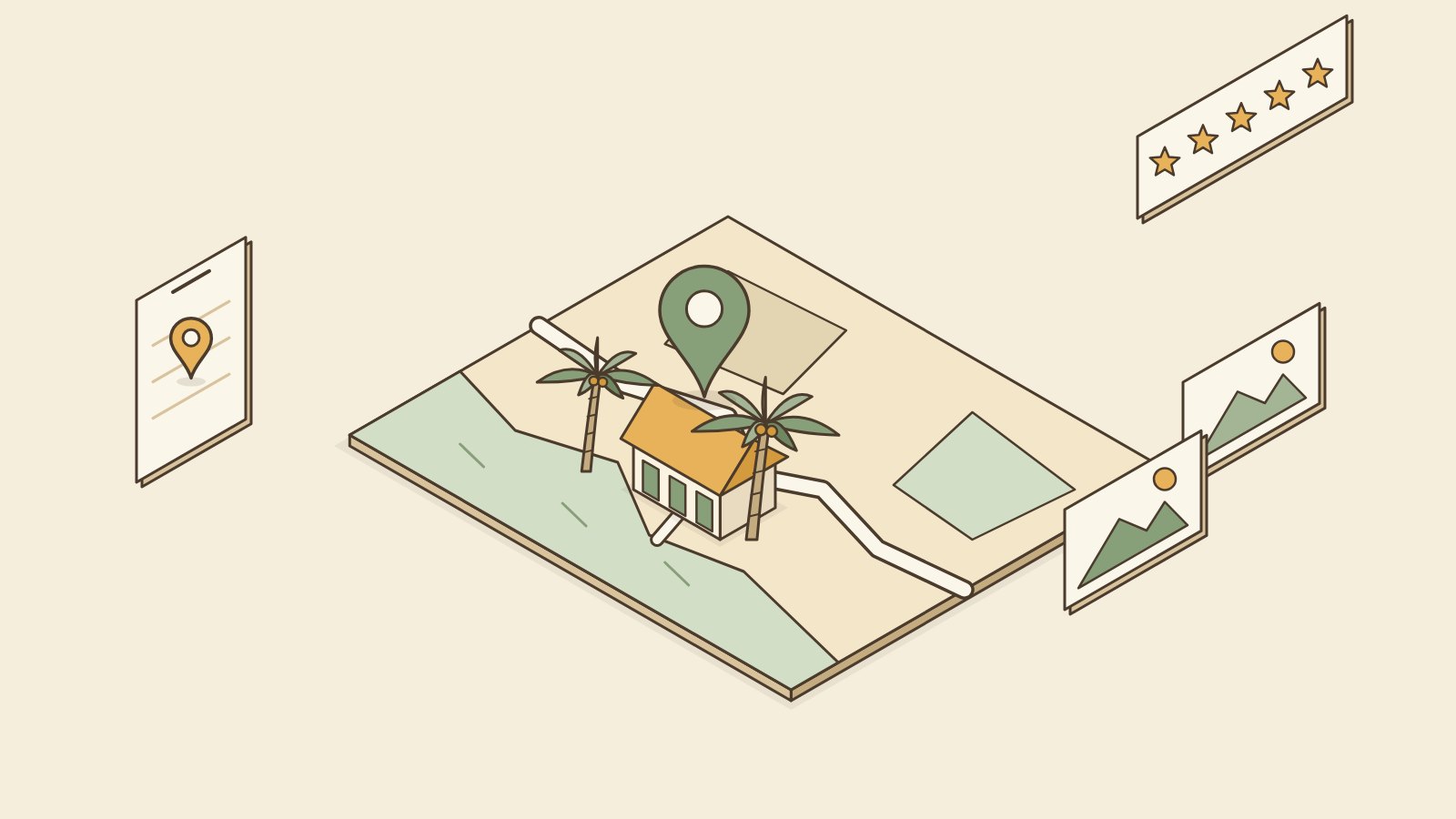
To put your resort on Google Maps, you create or claim a free Google Business Profile, verify that you own the resort, then add your photos, check-in times, phone number and website. First search for your resort on Google Maps. If it already shows up, you claim that listing. If not, you add a new one.
It is free, it takes about an hour of work, and then you wait a few days for Google to verify you.
Why do guests search Google Maps?
Think about how guests plan a trip. They search "resort near me," "beach resort Bantayan" or "guesthouse Moalboal" on their phone. Google shows a map with pins, photos, prices and star ratings. Many guests choose from that map before they ever visit Facebook.
Google Maps also helps guests who already booked. They use it to find your gate, especially at night or on roads with no signs.
If your resort is not on the map, or the pin is in the wrong place, you lose both kinds of guest.
Step 1: Check if your resort is already on Google Maps
Open Google Maps and search for your resort name and town. You will see one of three things:
- Nothing. You need to create a new listing (Step 2B).
- Your resort, with "Own this business?" or "Claim this business." Someone (a guest, or Google itself) added it, but nobody owns it yet. You can claim it (Step 2A).
- Your resort, with no claim button. Someone already manages it. Maybe a former staff member, a relative or an old marketing helper. Ask them first. If you cannot reach them, Google has a "request access" option when you try to claim it.
Also check for duplicates. Sometimes a resort shows up twice under two spellings. You want one listing only.
Step 2A: Claim an existing listing
- Sign in to a Google account you will keep for years. Use a business email, not a staff member's personal account.
- Open your resort on Google Maps and tap "Own this business?" or "Claim this business."
- Follow the steps and choose a way to verify (Step 3).
Step 2B: Create a new listing
- Go to business.google.com and sign in.
- Add your resort name exactly as it appears on your sign. Do not add extra words like "Best Cheap Beach Resort." Google can suspend listings for that.
- Choose a category such as "Resort hotel," "Guest house," "Motel" or "Hotel." Pick the one closest to what you are.
- Place the pin on your actual entrance. Zoom in. On islands and rural roads, the default pin is often wrong.
- Add your phone number and website if you have one.
Step 3: Verify that you own it
Google needs proof the resort is yours. It will show you the options it allows for your listing. These change over time, but often include:
- A short video. You film your sign, your entrance, the inside, and something that shows you are the owner (keys, the front desk, a business permit).
- Phone or text code.
- Email code.
- A postcard by mail. Slow in many provinces, so choose another option if you can.
For the video, film in daylight. Show the resort name, the street or landmark, and walk inside. Shaky is fine. Unclear is not.
Review can take from a few days to a couple of weeks. Do not create a second listing while you wait.
Step 4: Fill in your profile properly
A half-empty profile looks closed. Fill in:
- Photos. Outside in daylight, each room type, the bathroom, the beach or pool, the view, the road to your gate. Real photos from your phone are better than old blurry ones. Add new photos a few times a year.
- Check-in and check-out times. For lodging, Google usually asks for these instead of opening hours.
- Phone number. One that someone actually answers.
- Amenities. Wi-Fi, parking, air-con, pool, breakfast. Only what you really have.
- Description. Two or three plain sentences: where you are, what kind of rooms, who you are good for.
Step 5: Add a website link
Google has a field for your website. This is where guests tap to book. Use your own booking website if you have one, so the guest books with you directly with no commission. If you do not have one, a Facebook page link is better than nothing, but guests cannot check dates there.
Go Overbooked offers a booking website for ₱700 a month, with your own address like yourresort.gooverbooked.com. Any booking website works for this step, as long as guests can see your rooms and book.
Step 6: Get honest reviews
Reviews are what most guests look at after photos. Here is how to get them the fair way:
- Ask happy guests in person at checkout. "If you enjoyed your stay, a Google review helps us a lot."
- Send the review link by Messenger after they leave. Google gives you a short link inside your profile.
- Reply to every review, good or bad. Keep bad review replies short and calm. Future guests read your reply more than the complaint.
Do not pay for reviews, write your own, or give discounts in exchange for reviews. These are against Google's rules and can get reviews removed or your listing suspended.
At N&F Guesthouse in Bantayan, I noticed many guests send us a Google Maps pin from their tricycle driver before they arrive. That is when I understood the map is not only for finding us. It is how guests reach our gate.
Common mistakes
| Mistake | What to do instead |
|---|---|
| Pin in the wrong spot | Zoom in and drag it to your gate |
| Two listings for one resort | Ask Google to merge or remove the duplicate |
| Extra keywords in the name | Use the exact name on your sign |
| Listing owned by a staff member's account | Use your own business account, add staff as managers |
| Phone number nobody answers | Use the number of whoever handles bookings |
| No photos, or only one | Add at least 10 real, recent photos |
| Ignoring bad reviews | Reply calmly within a few days |
Frequently asked questions
Is it free to put my resort on Google Maps? Yes. A Google Business Profile is free. Be careful with people who call or message offering to "verify" your listing for a fee.
How long does verification take? It can be a few days or a couple of weeks. It depends on the method Google gives you and whether your video or details are clear.
My resort is already on Google Maps but I did not add it. Is that normal? Yes. Guests and Google can add places. You can still claim it as the owner, which lets you fix the details and reply to reviews.
Can my staff manage the Google profile? Yes. Keep yourself as the owner and add staff as managers. That way you never lose access if a staff member leaves.
Do I need a website to be on Google Maps? No. But a website link gives guests a way to book directly from the map, instead of only calling or messaging.
Need help with your Google profile?
If you get a Go Overbooked booking website, we will help you set up your Google profile for free, including the link so guests can book from the map. If you only want the map listing, the steps above are all you need.
Direct bookings
Let guests book you directly.
Your own booking website for ₱700 a month, with no commission. See a live one at N&F Guest House.