How to Track Room Availability When Bookings Come From Everywhere
A practical system for tracking room availability across walk-ins, Messenger, and OTAs: one master calendar, clear booking statuses, and a 5-minute nightly check.
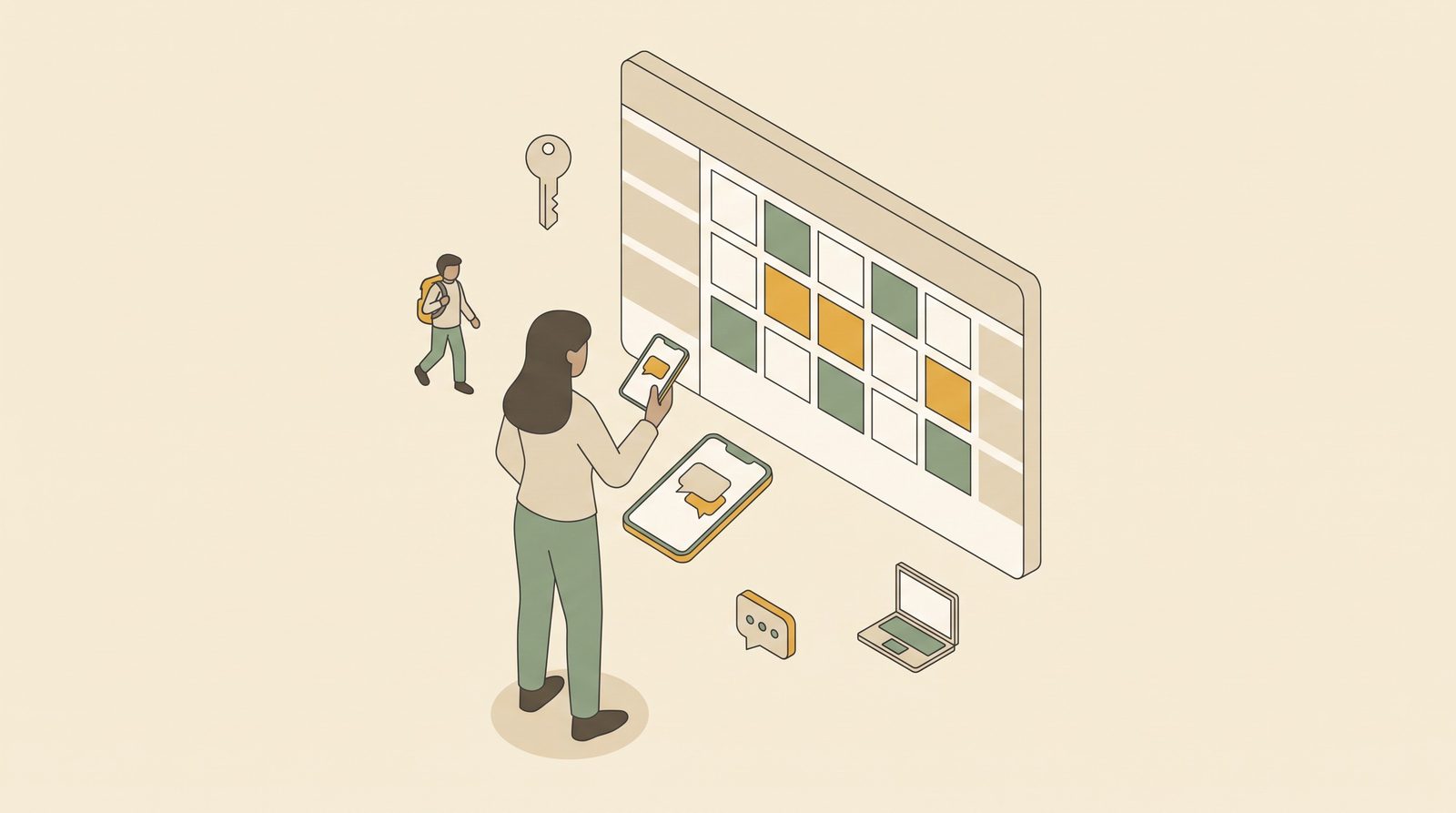
A message comes in on your Facebook page at 9 p.m.:
"Hi po, available pa po ba ang 2 rooms this Saturday to Monday? 4 pax."
You think Room 2 and Room 5 are free. Probably. Room 5 had a pending Messenger guest who never sent the deposit. Did your sister take a walk-in for Saturday? And you haven't opened the Agoda extranet since lunch.
If answering that question means checking four places and still guessing, your problem isn't the guest or the OTA. It's that your property doesn't have one answer to "what's available?"
This guide covers the system, not the software. It works with a notebook, a spreadsheet, or a PMS.
Rule 1: Pick one master calendar, and make it the only truth
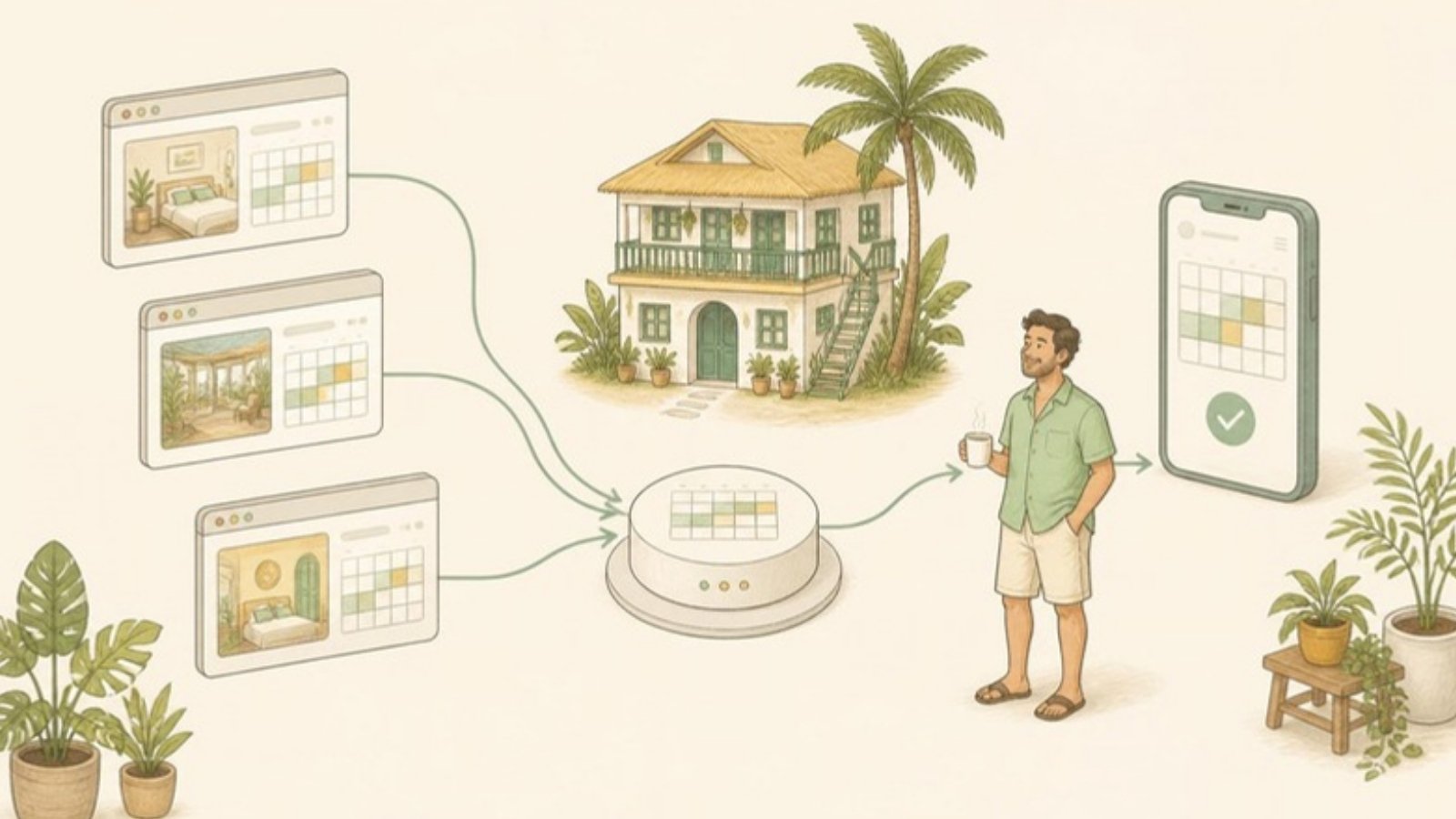
Every small property gets bookings from several places: walk-ins, Messenger, phone calls, repeat guests texting you directly, and one to three OTAs. Each OTA keeps its own calendar. Messenger keeps a conversation, not a calendar. Your memory keeps whatever it feels like keeping.
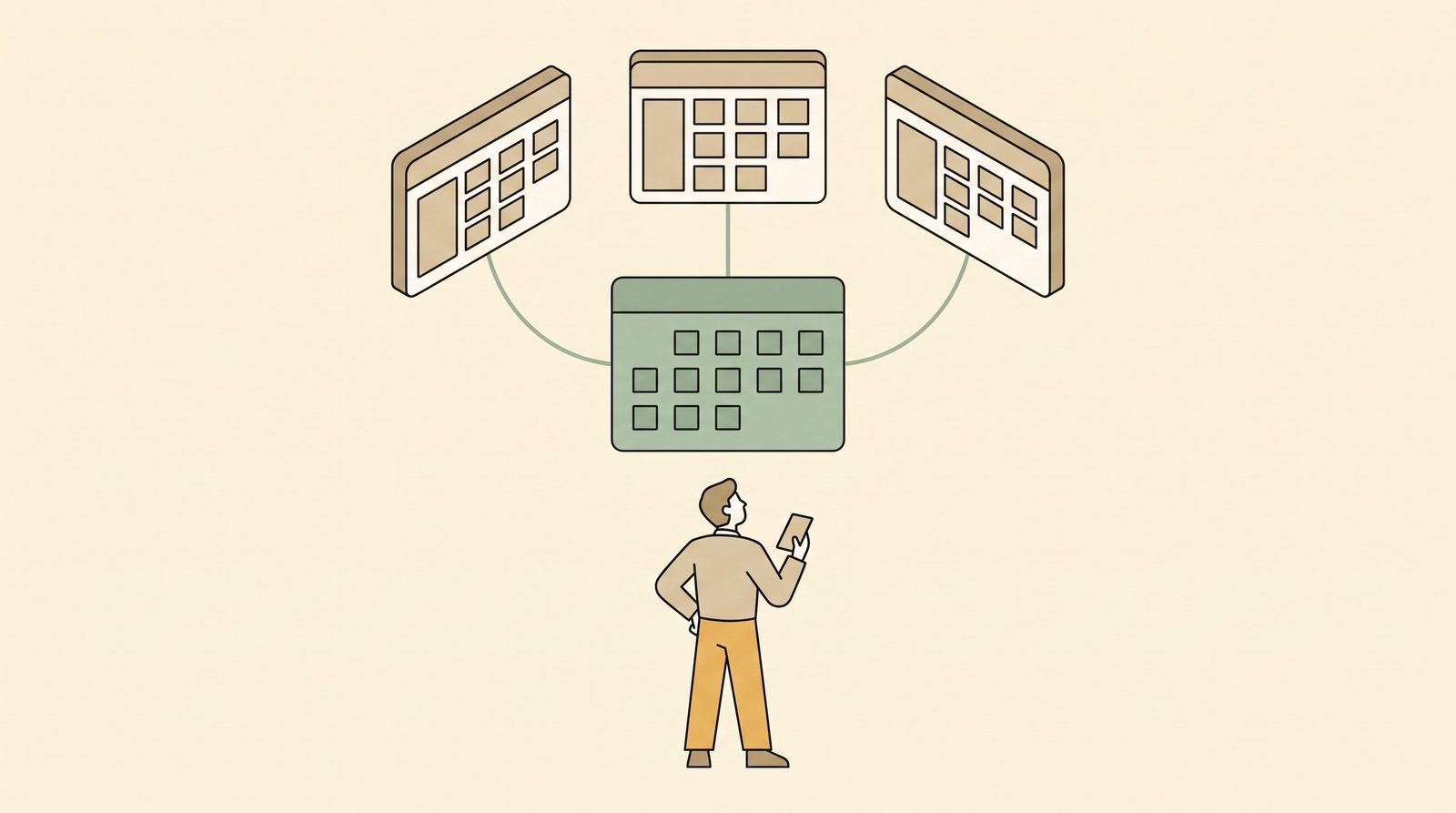
You need one place where every booking ends up, no matter where it came from. That's your master calendar. Everything else (Booking.com, Agoda, the whiteboard) is a copy of it.
It can be:
- a paper calendar grid on the wall (rooms down the side, dates across)
- a spreadsheet (here's a free hotel booking spreadsheet template with a double-booking check)
- a property management system (PMS)
The tool matters less than the rule: if it's not on the master calendar, it's not booked. Say it out loud to your staff and family. If your tita takes a booking over the phone and only tells you about it at dinner, it doesn't exist yet.
Rule 2: Log it before you confirm it
The order of operations matters more than people think.
The wrong order:
- Guest asks on Messenger
- You say "Yes po, available!"
- You'll write it down later
The right order:
- Guest asks
- You check the master calendar
- You put a hold on the room in the master calendar
- Then you reply "Yes po, available"
The gap between "yes" and "I'll write it down later" is where double bookings come from. On a quiet weekday the gap doesn't hurt. On a long weekend, when three people ask about the same room in one hour, it does.
Rule 3: Track the room, not just the count
"We have 2 rooms left on Saturday" is not availability tracking. "Room 2 and Room 5 are free on Saturday" is.
Count-based tracking breaks the moment your rooms aren't identical. A family of four can't use your two remaining double rooms if one has a broken aircon. A guest who booked the sea-view room on Booking.com will notice if you put them in the garden room. Track by room number, always.
Rule 4: Give every booking a clear status
Most availability confusion comes from bookings that are "sort of" booked. Give each one a status and agree on what each means:
| Status | Room blocked? | What it means |
|---|---|---|
| Inquiry | No | Guest asked. Nothing promised. Don't write it on the calendar. |
| Hold / pending deposit | Yes, with a deadline | You've promised the room if they pay by a set time (e.g. 24 hours). |
| Confirmed | Yes | Deposit received or OTA booking confirmed. |
| Checked in | Yes | Guest is in the room. |
| Cancelled / no-show | No | Release the room right away on the master calendar and every OTA. |
| Out of order | Yes | Repairs, deep cleaning, family using the room. |
The hold with a deadline is the important one for Philippine properties. Messenger guests often say "sige po, I'll send the GCash later" and then disappear. If you block the room forever, you lose real bookings. If you don't block it, you might double-book when they come back. Set a deadline like "we'll hold the room until 6 p.m. tomorrow," write that deadline on the hold, and release the room when it passes.
Rule 5: Do a 5-minute close-out every night
Even with good habits, things slip in. OTA bookings arrive while you're busy. Cancellations come by email. Someone forgets to log a walk-in.
So every night, before you sleep, take five minutes:
- Open each OTA extranet or app. (Booking.com Pulse, Agoda YCS, Airbnb.) Check for new bookings, modifications and cancellations since this morning.
- Compare them against the master calendar. Anything missing goes in now.
- Check holds that have expired. Release the room and update the OTAs.
- Look at tomorrow: who's arriving, who's leaving, which rooms need cleaning.
It feels unnecessary on quiet nights. Do it anyway. The habit is what saves you in December.
Rule 6: Make availability readable by someone who isn't you
At a lot of family-run guesthouses, the owner is the only person who really knows what's booked. That works until you're sick, at a wedding in Manila, or just want one day off.
A good availability system passes the "could your staff answer it?" test: if a guest messages while you're away, could someone else open the master calendar and answer correctly in under a minute, without calling you?
If the answer is no, the system lives in your head, not on the calendar.
Choosing the right tool for your size
You don't need software just because you have rooms. Here's an honest guide:
| Your situation | What usually works |
|---|---|
| 1–4 rooms, walk-ins and Messenger only, one person handling bookings | Paper calendar grid or a simple spreadsheet |
| 3–10 rooms, one OTA plus Messenger, 2+ people taking bookings | Shared spreadsheet or a free PMS |
| 5–20 rooms, two or more OTAs | A PMS for the master calendar, plus a plan for keeping the OTAs in sync |
| Two or more OTAs and you're updating extranets by hand several times a day | PMS + channel manager |
If you're in that last row, see How to Manage Booking.com, Agoda, and Airbnb at the Same Time for the manual approach, and Channel Manager vs PMS for when it's worth paying for automation.
If most of your bookings come through Messenger, our guide on managing bookings from Facebook Messenger covers the conversation side: confirmations, deposits and follow-ups.
A quick test of your current system
Answer these without opening anything:
- Which rooms are free next Saturday?
- Which bookings this week still haven't paid their deposit?
- When does your oldest unpaid hold expire?
If you had to guess on any of them, your availability is in more than one place. Fix that first, before you think about any tool.
Where GoOverbooked fits
GoOverbooked is a free PMS built for this exact problem at small Philippine properties. It started at a 9-room guesthouse in Bantayan that was juggling Booking.com, Agoda, walk-ins and a Messenger inbox. Every booking goes onto one room calendar, a booked room is blocked for those dates, and payments and balances sit on the same booking. Staff can have their own accounts, so the calendar doesn't live only on the owner's phone.
It won't fix a habit of saying "yes" before checking, but it makes the right habit faster to follow. If you want a master calendar without building one yourself, you can look around the demo. It has sample data and needs no signup.
Free to start
Run your hotel without the headaches.
Try the live demo in 30 seconds. No signup needed.