How to Manage Booking.com, Agoda, and Airbnb at the Same Time (Before You Pay for a Channel Manager)
Listed on Booking.com, Agoda, and Airbnb? How to keep them in sync by hand, when iCal calendar sync helps (and when it doesn't), and when a channel manager is worth it.
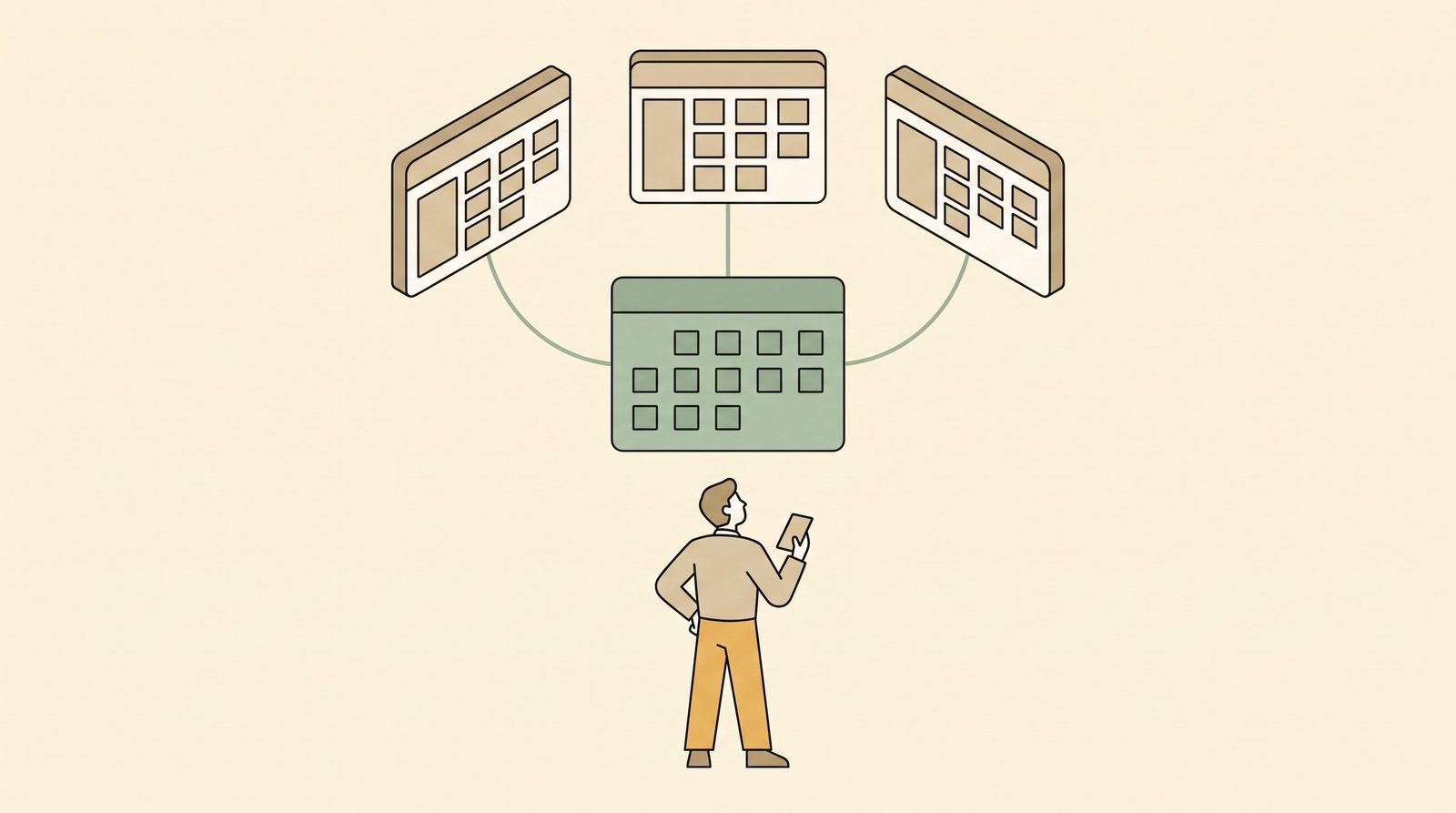
Adding a second OTA is one of the best things a small guesthouse can do for occupancy. Plenty of travelers only search on Agoda, others only on Booking.com, and a growing group only on Airbnb.
It's also when the admin starts piling up. Every booking on one platform means closing the same room on the others. Every cancellation means reopening it. Do that across three platforms for a few months and you'll understand why owners talk about OTAs like a second job.
You don't need to buy software the day you add a second OTA. Here are the four ways to keep multiple OTAs in line, roughly from cheapest to most automated, with an honest look at what each costs you.
First, understand why the platforms don't talk to each other
Booking.com, Agoda and Airbnb are competitors. Each one keeps its own calendar for your property, and none of them knows what the others sold. If Room 4 is open on all three and someone books it on Agoda, Booking.com will happily keep selling it until you close it.
So every method below answers the same question: who closes the room on the other platforms, and how fast?
Method 1: Manual updates (with a strict routine)
This is where most small properties start. You're the sync.
It works if you follow the same steps every time:
When a booking comes in on any OTA:
- Open the booking and note room, dates and guest
- Add it to your master calendar (the one place every booking lives; see how to track room availability)
- Close those dates for that room on every other OTA
- Only then move on to something else
When a cancellation comes in:
- Mark it cancelled on the master calendar
- Reopen the dates on every other OTA. This is the step owners forget, and it quietly costs you bookings.
Make it faster:
- Install the extranet apps on your phone: Booking.com Pulse, Agoda YCS, and the Airbnb app. Turn on push notifications for new bookings and cancellations.
- Bookmark the availability/calendar page of each extranet so you're one tap away, not five.
- Do a nightly 5-minute check of every extranet against your master calendar to catch anything you missed.
The weak spot: the gap between the booking arriving and you closing the room elsewhere. If you're asleep, driving a guest from the port, or out at the market, the gap might be hours. During peak season that's enough for a double booking.
Method 2: Split your rooms between OTAs
Instead of putting every room on every platform, you give each OTA its own rooms. For example, at an 8-room property:
| Rooms | Sold on |
|---|---|
| Rooms 1–3 | Booking.com only |
| Rooms 4–6 | Agoda only |
| Rooms 7–8 | Airbnb + direct (Messenger, walk-ins) |
Why owners like it: an OTA can never double-book against another OTA, because they never share a room.
What it costs you: you'll often have Booking.com sold out while two Agoda rooms sit empty on the same night. Over a year, that adds up to a lot of unsold room nights, which is exactly the kind of quiet loss we covered in How Much Is a Missed Booking Actually Costing You?.
When it makes sense: as a safety net during peak weekends. For example, put your last one or two rooms on only one platform during Holy Week or Christmas, when bookings come fastest.
Method 3: iCal calendar sync (free, but with limits)
iCal is a free calendar-link standard. You copy an "export calendar" link from one platform and paste it into the "import calendar" setting of another. The second platform then checks the link every so often and blocks dates that are booked on the first.
Where it's available:
- Airbnb supports importing and exporting iCal calendars on every listing.
- Booking.com and Agoda offer calendar sync mainly for home, apartment and villa-type listings, and often not for standard hotel or guesthouse room types. Check the calendar/availability settings in your extranet to see if your property type has it.
What iCal does well: it's free and needs no extra software. For a single villa or a couple of private units listed on Airbnb and Booking.com, it can be enough.
What it doesn't do:
- It isn't instant. Platforms refresh imported calendars on their own schedule, and that can mean hours, not minutes. A booking can still slip through in that window.
- It only blocks dates. It doesn't sync prices, room types or restrictions.
- It works one listing at a time. Each room or unit usually needs its own pair of links, so with multiple rooms per room type it gets messy fast.
- It can fail silently. If a link breaks, nothing warns you. You find out when two guests arrive.
Treat iCal as a helpful layer for one or two units, not a reliable system for a 10-room guesthouse.
Method 4: A channel manager
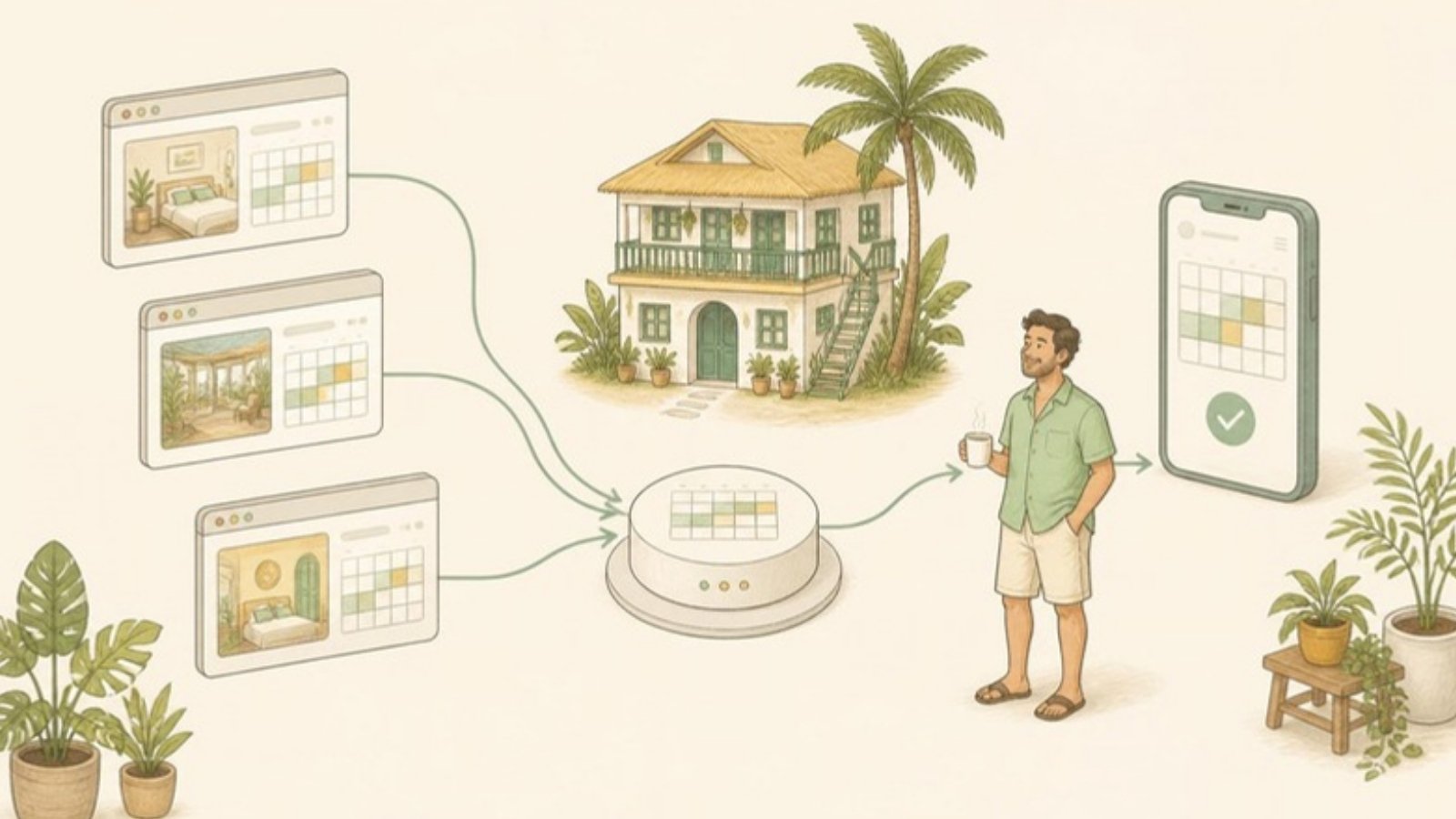
A channel manager connects to each OTA directly (through official connections, not calendar links) and updates availability on all of them when a booking, modification or cancellation comes in. It's the same job you're doing by hand in Method 1, done in near real time and while you sleep.
It costs money, so the question isn't "is a channel manager good?" (it is) but "is it worth it for you, now?" We go through that decision in Channel Manager vs PMS: Which One Does a Small Property Actually Need?.
Comparison at a glance
| Method | Cost | Speed | Double-booking risk | Best for |
|---|---|---|---|---|
| Manual updates | Free | As fast as you are | Medium–high in peak season | 1–2 OTAs, low booking volume |
| Room split | Free | n/a | Low | Peak-season safety net |
| iCal sync | Free | Can lag by hours | Medium | 1–3 private units / villas |
| Channel manager | Monthly fee | Near real time | Low | 2+ OTAs, 5+ rooms, busy seasons |
Signs manual management has stopped working
Keep going manually as long as it's working. These are the signs it isn't anymore:
- You get more than a handful of OTA bookings a week across two or more platforms
- You've had a double booking or a near miss in the past year
- You keep rooms closed "just in case" on some platforms
- You check extranets at night, on vacation, or during family events because you're worried
- Someone else has to cover bookings while you're away, and you don't trust them to update every OTA
If several of these apply, the manual method is costing you more in stress, empty rooms and risk than a channel manager would cost in pesos. For the specific steps to prevent a double booking right now, see How to avoid double bookings when you list on Booking.com and Agoda.
How GoOverbooked handles it
GoOverbooked's founder runs a 9-room guesthouse in Bantayan that sells on Booking.com, Agoda, Messenger and walk-ins, and he was the manual sync for years. That's where the product came from.
The core app is free: one calendar for every booking (OTA, Messenger, walk-in) with payments and receipts attached. If you're happy doing OTA updates by hand, that alone gives you a reliable master calendar for Method 1.
When manual stops working, the Channel Manager add-on connects Booking.com, Agoda, Airbnb and Expedia, so a room booked on one is blocked on the others automatically. It's ₱2,000 a month and comes with a 14-day free trial. The details are on the pricing page.
Start with whatever method fits your property today. Just make sure that when the next long weekend arrives, it's a system closing your rooms and not you remembering to.
Free to start
Run your hotel without the headaches.
Try the live demo in 30 seconds. No signup needed.