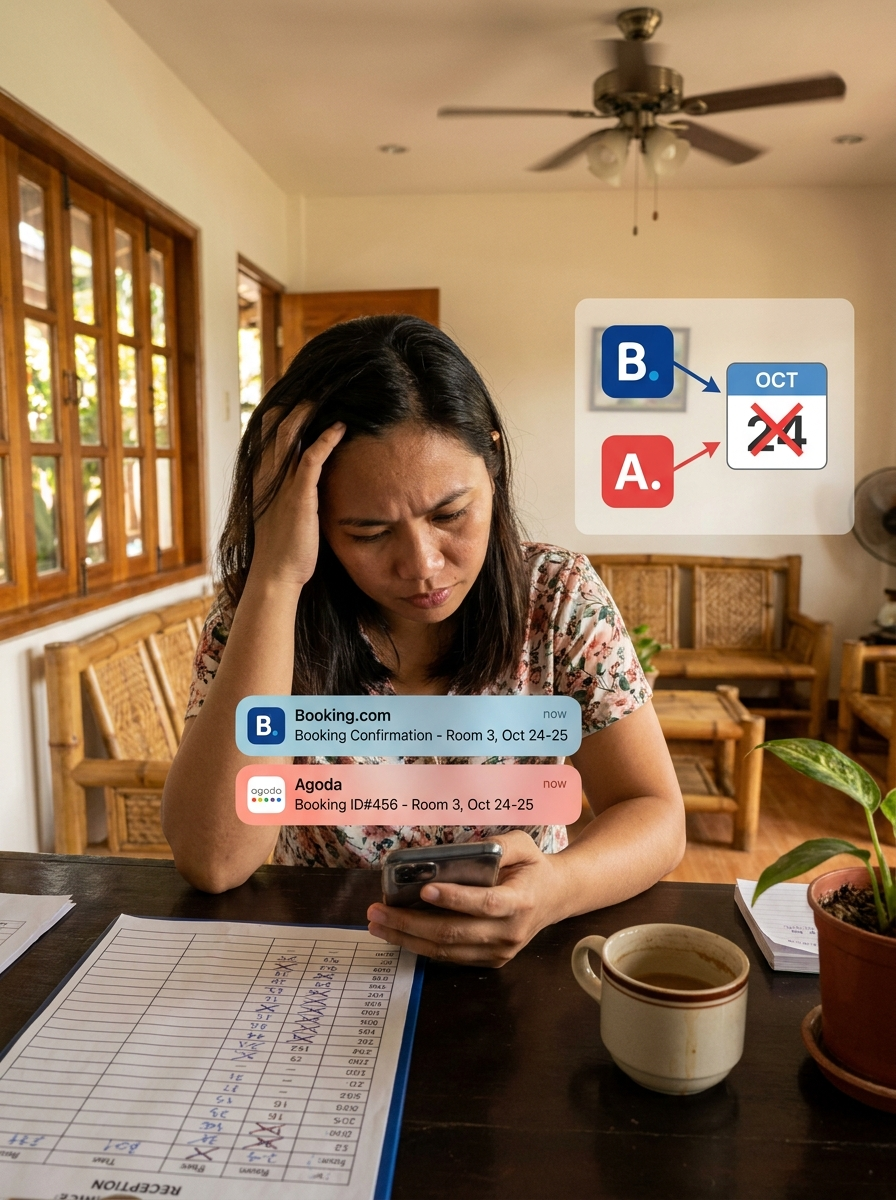
How to Manage Your Resort Remotely When Staff Handle Bookings
Not at your resort every day? Simple rules for staff, one shared calendar, a 10-minute daily phone check and payment proof rules to avoid lost money.
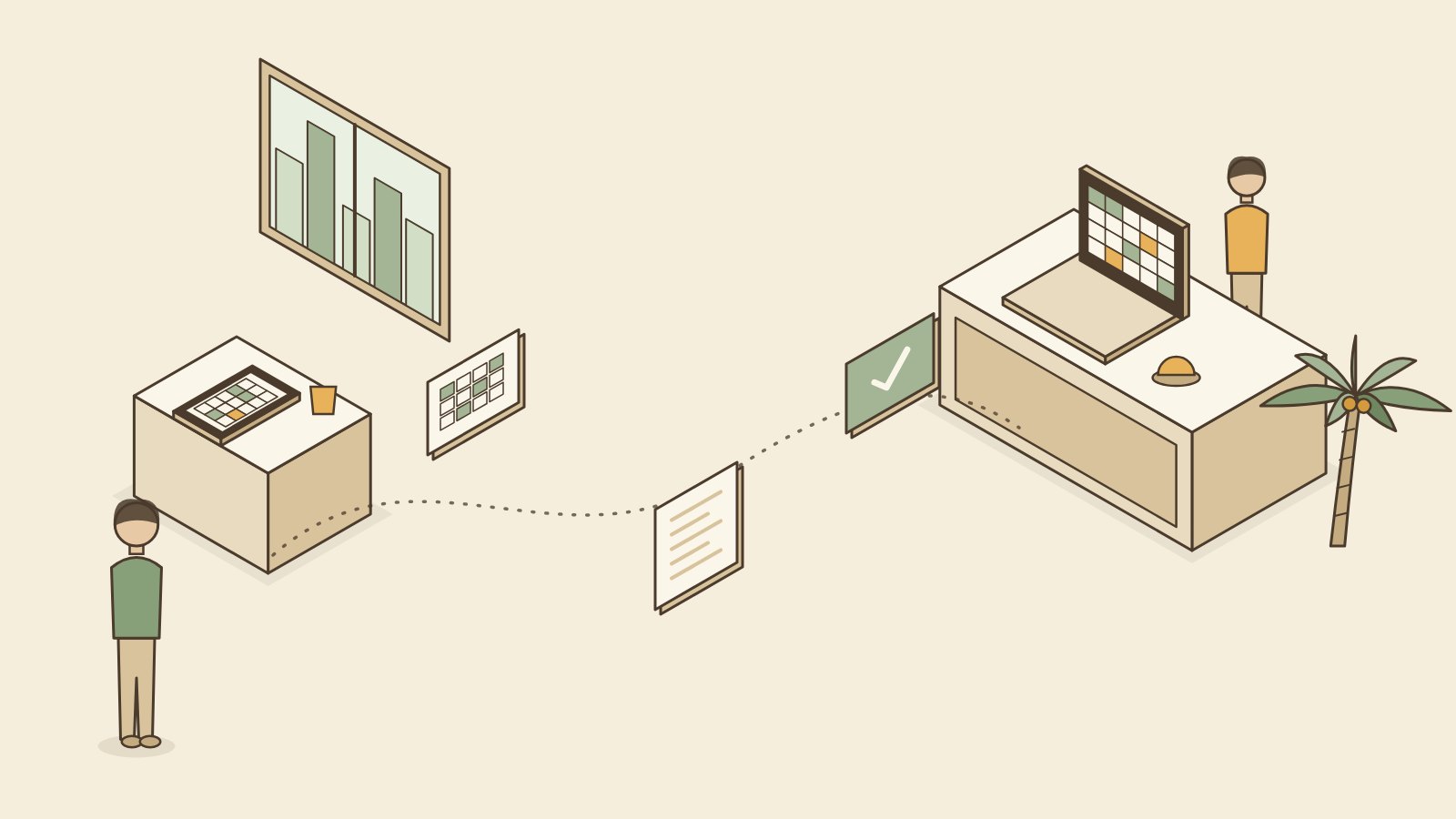
To manage your resort when you are not there, give your staff one shared booking calendar you can see from your phone, a few clear rules for taking bookings and payments, and a daily check you do in about 10 minutes. The goal is simple: you should know who is checking in, who paid, and how much, without calling anyone.
Many owners live in Cebu City, Manila or abroad while a caretaker or relative runs the place. That can work well. It just needs a system that does not depend on memory.
What can go wrong when staff handle bookings?
Most of these problems are not about bad staff. They happen because the system is unclear.
- Missed bookings. A guest messages, staff says yes, but never writes it down. The guest arrives and there is no record.
- Double bookings. Two staff members accept two guests for the same room. Or a room sells on Agoda while staff confirms a walk-in.
- Cash that does not add up. Walk-in payments are not recorded, or recorded later from memory.
- Discounts nobody approved. A friend of a friend gets a "special rate."
- Fake or reused GCash screenshots. A screenshot is shown, but the money never arrived.
- You find out too late. You only hear about a problem when a guest leaves a bad review.
Simple rules for your staff
Keep the rules short enough to fit on one page. Print them and post them at the front desk.
- Every booking goes on the calendar before you say "confirmed." Messenger, phone, walk-in, all of them.
- One person per shift handles bookings. Others can answer questions but do not confirm rooms.
- No room is held without a deposit, unless the owner approves.
- Every payment gets recorded the same day with the amount, method and guest name.
- Every payment gets a receipt.
- Discounts and free nights need owner approval by message first.
- Cancellations and refunds need owner approval.
- When a booking site booking comes in, close that room on the other sites right away.
One shared calendar
The biggest change you can make is having one booking calendar that both you and your staff see. Not a logbook only at the front desk. Not a photo of the logbook sent on Messenger every night.
Options that work:
- Google Sheets, shared with your staff. Free and works on a phone. The downside is that it does not warn anyone when a room is already taken, and anyone can delete a row by accident.
- A free booking app with staff logins. Everyone sees the same calendar. It warns when a room is already booked, and you can see who added each booking.
If you already have a logbook your staff love, you can keep it. But someone should copy each booking into the shared calendar the same day, so you can see it too.
Your daily check from your phone
Pick a time, like 8 p.m., and do this every day. It takes about 10 minutes.
| Check | What you are looking for |
|---|---|
| Today's check-ins | Did they all arrive? Any no-shows? |
| Today's check-outs | Did everyone pay the full balance? |
| Payments recorded today | Do they match your GCash and bank app? |
| Cash recorded today | Does staff's cash count match the calendar? |
| Tomorrow's arrivals | Are deposits paid? Are rooms clean and ready? |
| New bookings | Any unusual discounts or held rooms with no deposit? |
| Booking site messages | Any unanswered guest messages or changes? |
If something does not match, ask about it the same day. A question tonight is easy. A question three weeks later is an argument.
Payment proof rules
Money is where trust breaks down fastest, for owners and staff. Clear rules protect both of you.
- GCash and bank transfers go to an account the owner can see. Check the actual app, not just the screenshot the guest sent.
- Record the reference number from each GCash or bank payment next to the booking.
- Cash gets counted and recorded at the end of each shift, then deposited or handed over on a fixed schedule.
- Every payment gets a receipt, with a copy kept.
- Refunds only go out after owner approval.
Some owners ask staff to send a photo of the cash count each night. Others use a lockbox. Choose what fits your trust level and your place. For more, see how to track guest payments and deposits.
A note from my own guesthouse
I am not at N&F Guesthouse in Bantayan every day, and I learned the cost of unclear systems early. During Holy Week 2023, two families arrived for the same room. Both had paid. One booking had not made it into our records. I had to refund one family during the busiest week of the year. Nobody did anything wrong on purpose. We just did not have one place where every booking had to go. That is why I built Go Overbooked, and why the first rule above is the first rule.
Remote management checklist
- One shared calendar that you can see from your phone
- Each staff member has their own login, if your tool allows it
- Booking rules printed at the front desk
- One person per shift confirms bookings
- Deposit rule written and followed
- GCash and bank go to an owner-visible account
- Reference numbers recorded with each payment
- Cash counted and recorded every shift
- Daily 10-minute check, same time every day
Frequently asked questions
Can I manage my resort from Manila or abroad? Yes, many owners do. You need trusted staff on site, one calendar you can see from your phone, and clear payment rules. Plan to visit regularly too, because some problems only show up in person.
How do I know my staff are recording all the bookings? Compare the calendar with what you can see elsewhere: GCash payments, booking site reservations, and guest reviews. A payment with no matching booking is a sign something was missed.
Should staff accept GCash to their personal account? It is safer if payments go to an account in the business name or one you can see. If staff must use a personal account for now, ask them to forward the money daily and record the reference number.
What if my caretaker is not comfortable with apps? Start small. Ask them to add bookings only, and you handle payments and booking sites. Most people learn a simple calendar within a week if you sit with them for the first few days.
How often should I visit? There is no fixed rule. Many owners visit at least once a month and before peak seasons like Holy Week and Christmas.
One calendar for you and your staff
The easiest first step is giving your staff one calendar you can check from your phone every night. The Go Overbooked booking calendar is free forever, with no card needed, and we will set up your rooms and import your bookings for free.
Free to start
Run your hotel without the headaches.
Try the live demo in 30 seconds. No signup needed.