Opening a Small Resort Checklist: What to Set Up First
Opening a small resort or motel? Set up room numbers, prices, deposits, a booking calendar, Facebook, Google Maps and booking sites in the right order.
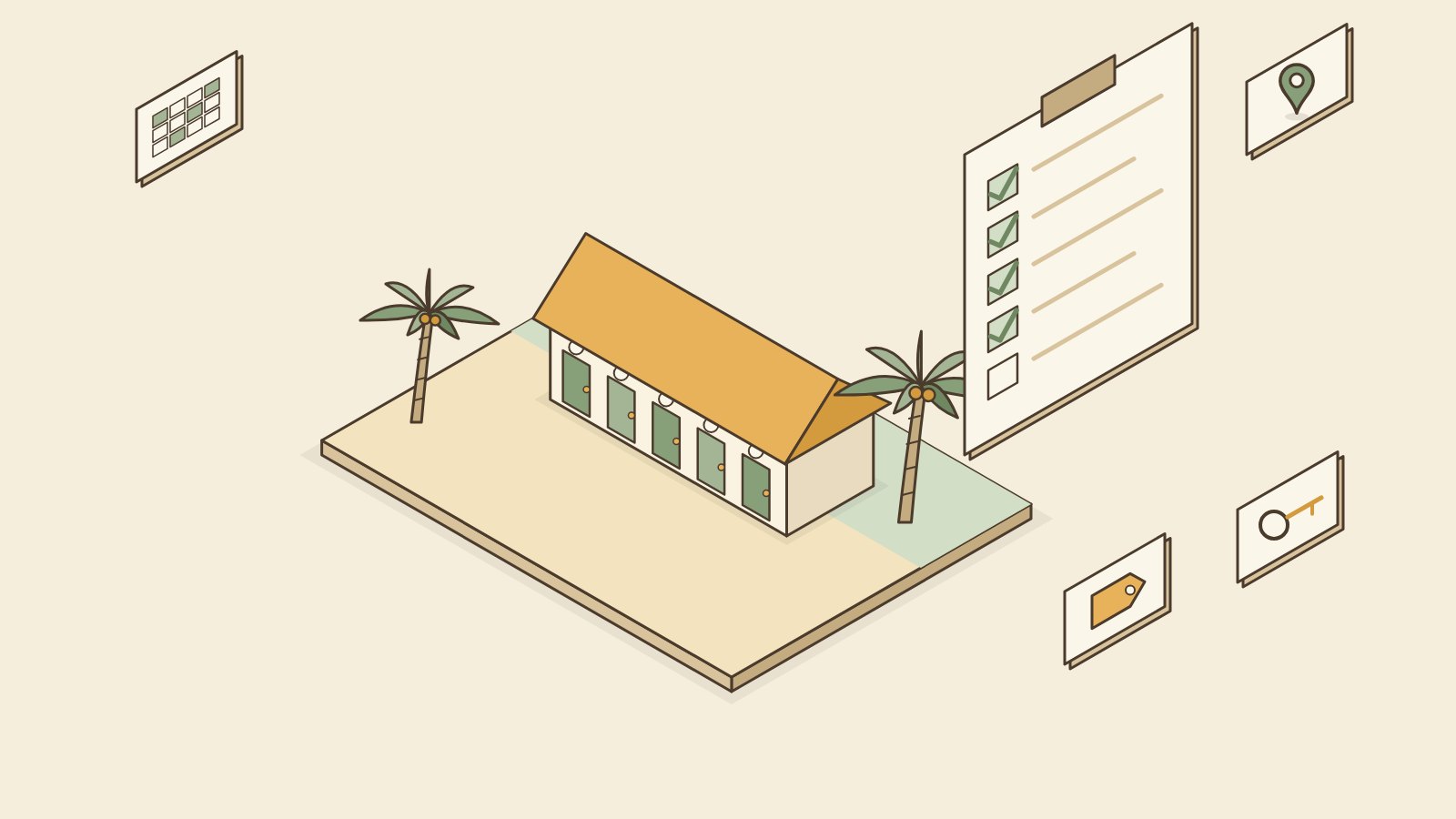
Before opening a small resort or motel, set up your room types and room numbers, your prices, your deposit and payment rules, and one booking calendar. Then create your Facebook page and Google Maps listing so guests can find you. Add a booking website and booking sites like Agoda or Booking.com once the basics run smoothly.
This checklist is about the booking side of your business: how guests find you, book and pay. Permits, building and hiring are a separate list, and your local LGU office is the best place to ask about those.
1. Room types and room numbers
Start here because everything else depends on it.
- Name your room types the way guests understand them: "Standard Double," "Family Room (4 pax)," "Beachfront Cottage."
- Give every room a number or name and put it on the door. "Room 3" is clearer than "the one near the kitchen."
- Write down what each room has: bed size, max guests, air-con or fan, private or shared bathroom.
- Take photos of each room type in daylight, with the bed made and the room clean.
2. Pricing
Set one clear rate per room type. Then decide:
- Weekday and weekend rates, if they are different
- Peak rates for Holy Week, Christmas and New Year, and local fiestas
- Extra person charge, and whether kids pay
- What is included, like breakfast or parking
Check what similar places near you charge on booking sites. That gives you a fair starting point. You can always adjust after a few months.
3. Deposit and payment methods
Decide this before your first booking, not after your first no-show.
- Deposit amount. Many small resorts ask for 50% to hold a room.
- Deadline. How long the guest has to send the deposit before you release the room.
- Refund rule. Is the deposit refundable, and until when?
- Payment methods. GCash, bank transfer, cash on arrival. Use an account in the business name if you can.
- Receipts. Give a receipt for every payment, even a simple handwritten one.
Write these rules once and copy-paste them to every guest.
4. Booking calendar
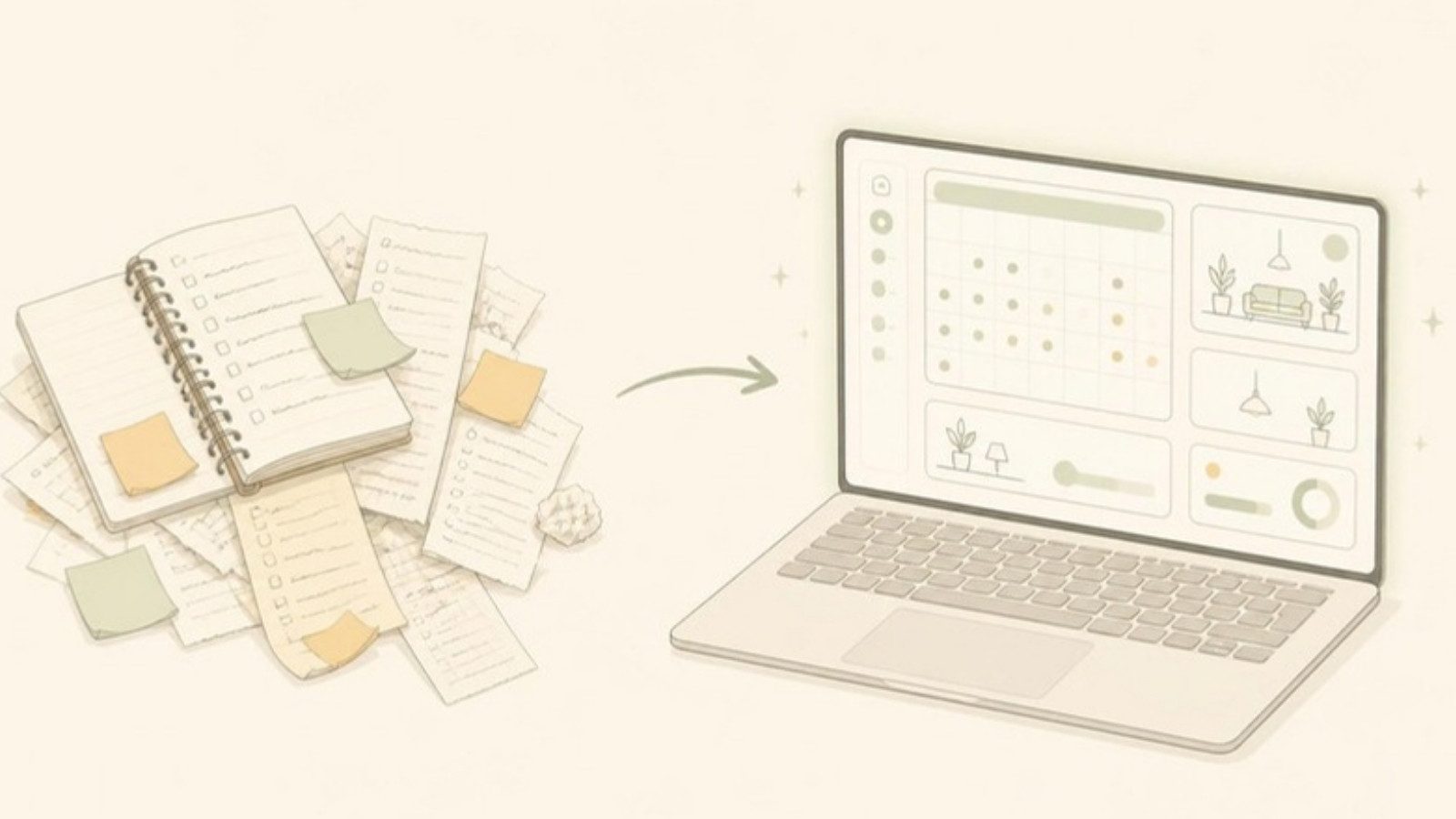
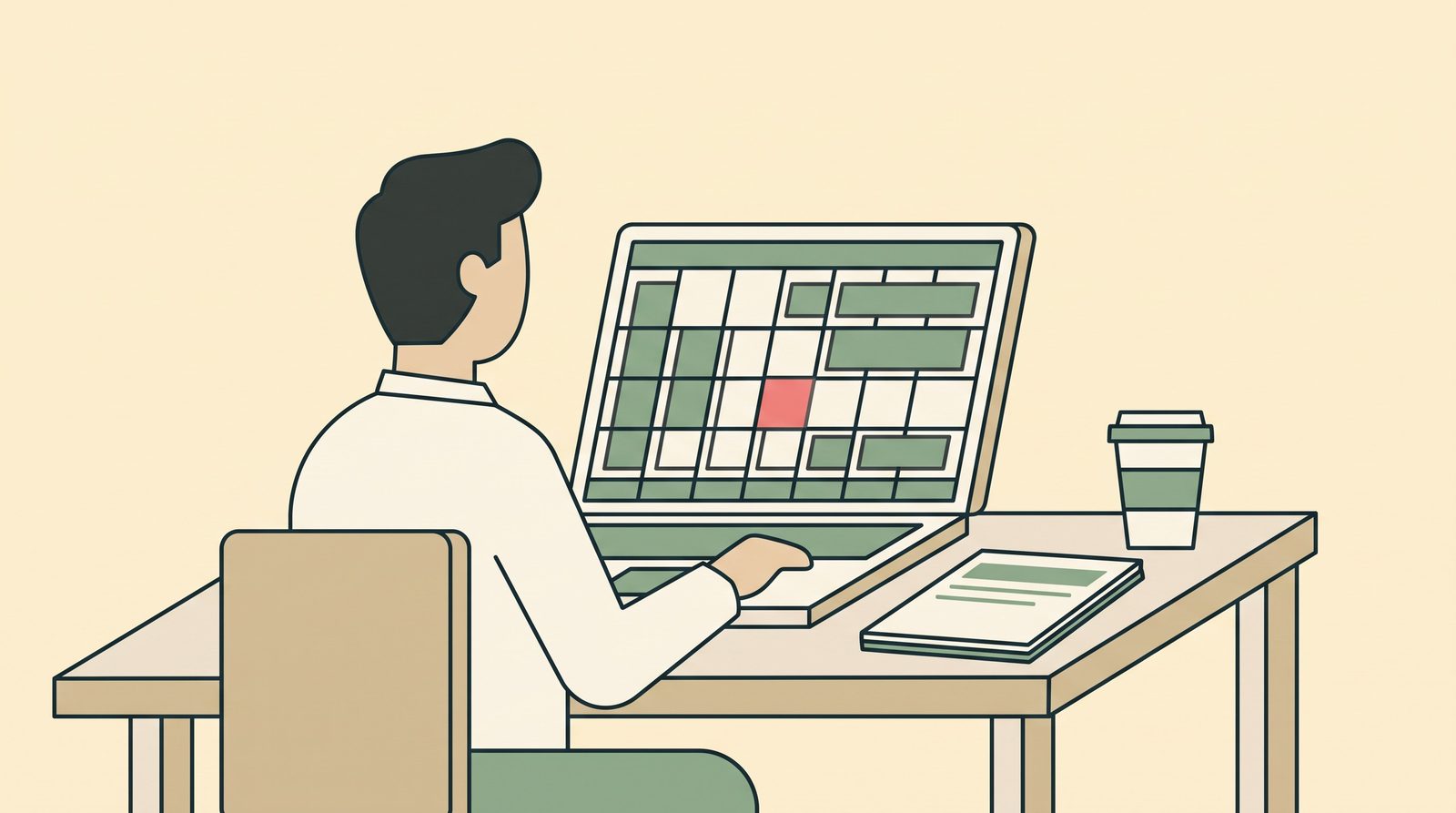
A booking calendar is a list of your rooms down the side and dates across the top. Every booking goes on it. It is how you know which rooms are free on any date.
You have a few options:
- A logbook works if you have a few rooms and you take all bookings yourself.
- Google Sheets works if you want to check from your phone and share with one or two staff.
- A free booking app works when several people take bookings, or you join booking sites.
Whatever you use, set one rule from day one: if it is not on the calendar, the room is still free. I learned this during Holy Week 2023, when two families arrived at N&F for the same room and both had paid.
5. Facebook page
For most Filipino guests, Facebook is still where they look first and where they message you.
- Create a Facebook Page, not a personal profile.
- Add your photos, rates, location and contact number.
- Turn on Messenger and set a short auto-reply with your rates and deposit rules.
- Pin a post with your room types and how to book.
6. Google Maps
Create a free Google Business Profile so your resort shows on Google Maps. Place the pin exactly at your entrance, add photos, add your check-in and check-out times, and verify that you are the owner. Guests use this to find you and to find your gate at night. Here is how to put your resort on Google Maps step by step.
7. Booking website
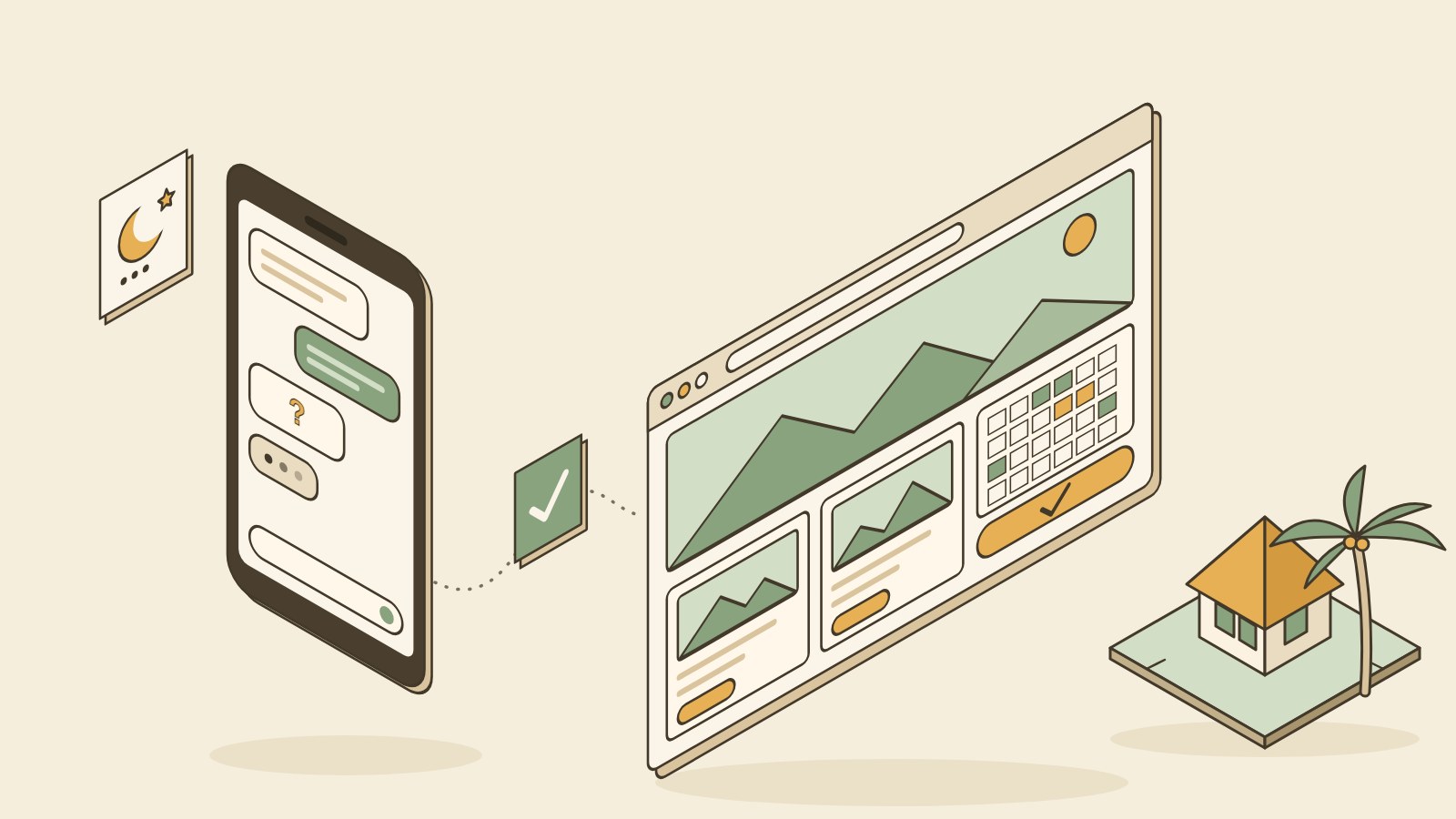
A booking website lets guests see your rooms, check dates and book without messaging you. Because the booking is direct, you pay no commission.
You do not need one on day one. It helps once you get many "available pa po?" messages that you cannot answer fast enough. It also gives you a link to put on Facebook and Google Maps.
8. When to join Agoda or Booking.com
Booking sites bring guests who would never find you otherwise, especially foreign guests. But they charge a commission on each booking, and they add work: every booking there must also be closed on your other channels.
A fair approach:
- Join one site first. Learn how it works for a few months.
- Join after your calendar habit is solid. If walk-ins and Messenger bookings are not all on your calendar yet, adding a booking site makes double bookings more likely.
- Add a second site later, and consider a channel manager then. A channel manager is a tool that connects your booking sites, so a booking on one closes that room on the others.
Opening checklist
- Room types named, every room numbered
- Room details and photos ready
- Rates set, including peak dates and extra person
- Deposit amount, deadline and refund rule written
- GCash or bank account ready, receipts ready
- One booking calendar chosen and set up
- Facebook Page with photos, rates and Messenger
- Google Maps listing created and verified
- Booking website (when Messenger gets too busy)
- First booking site (when the calendar habit is solid)
Frequently asked questions
Do I need software before I open? No. A logbook or spreadsheet is enough for a few rooms. What you do need from day one is a habit: every booking goes in one place.
Should I join Agoda or Booking.com right away? It can help you get your first guests. But only do it if you can update your calendar and close dates quickly. Many owners start with Facebook and Google Maps, then add one booking site.
How much deposit should I ask for? Many small resorts ask for 50%. Some ask for full payment on peak dates. Pick a rule, write it down, and use it for everyone.
Do I need a website if I already have a Facebook page? Not at the start. A booking website helps when you get more inquiries than you can answer, or when you want guests to book directly from Google Maps.
What should I put on my Facebook auto-reply? Your room types and rates, deposit rules, check-in time and your location. Add a line saying someone will reply soon to confirm availability.
Let us set up your rooms for free
If you would rather not build your booking calendar from scratch, Go Overbooked will do it for you. We set up your room types and room numbers and import any bookings you already have, for free. The booking calendar itself is free forever, no card needed.
Free to start
Run your hotel without the headaches.
Try the live demo in 30 seconds. No signup needed.